Utility /
Views: 3730
Last Updated: November 10, 2024
How to pay water bill in Nepal in 2024?
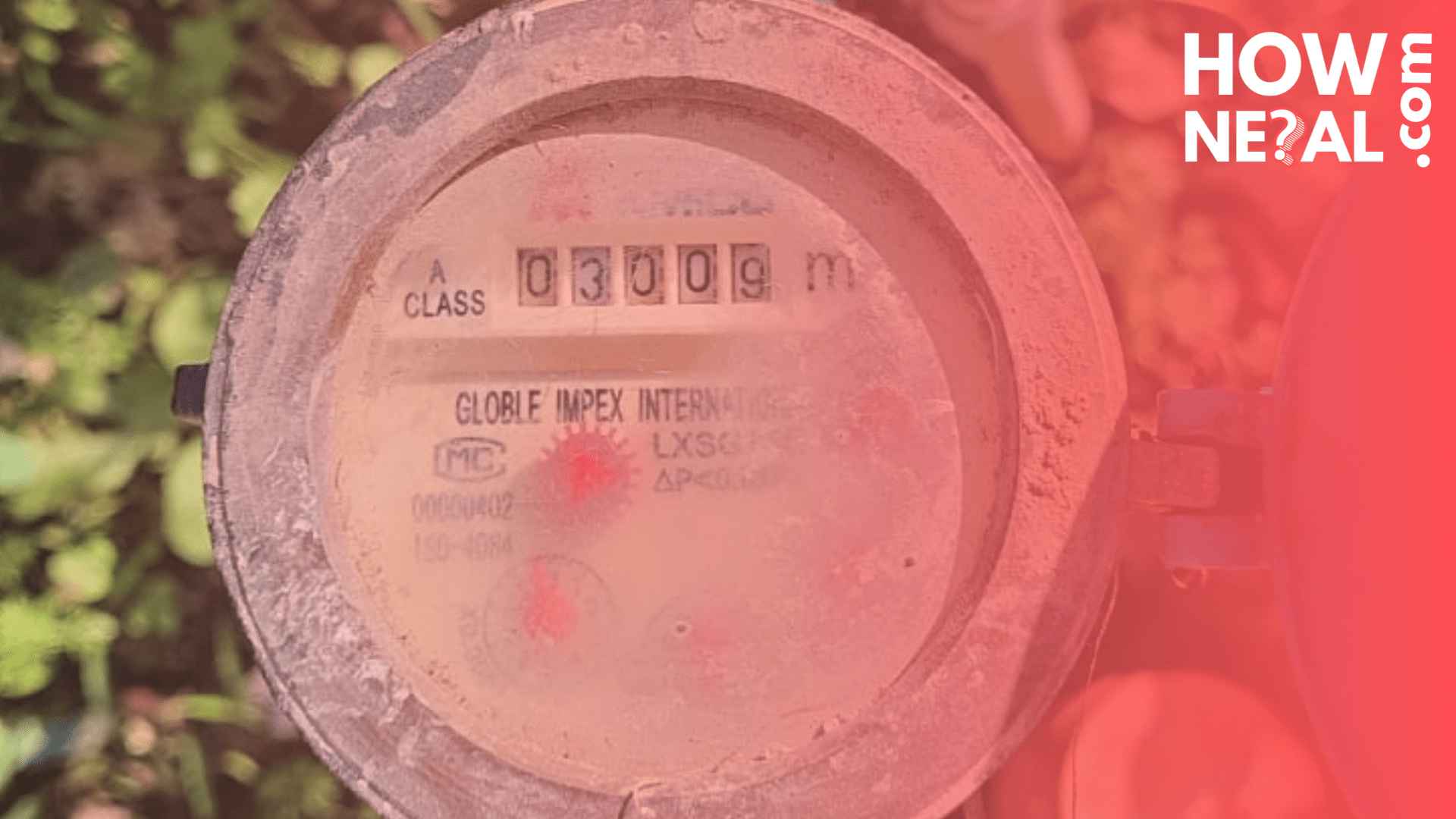
Paying utility bills is a crucial monthly task for both households and businesses. In recent years, In Nepal it has been made this process easier by offering both online and offline options to pay water bills. This article provides information on how to pay your water bills in Nepal, including digital and traditional payment methods.
Payment Options for Water (Khanepani) Bills
There are two main ways to pay water bills in Nepal: offline payments (in-person at offices) and online payments (via mobile wallets and digital platforms).
Requirements to Pay Your Water Bill
- Counter Name: This refers to the specific office or service provider responsible for water distribution in your area. The counter name is typically mentioned on your water bill.
- Customer ID: This numeric ID is provided by your water service provider (such as Khanepani) and can be found on your water bill. You’ll need this to complete the payment, both online and offline.
Steps to Pay Water Bills Offline (In-Person)
To pay your water bill offline, follow these steps:
- Visit the Respective Office: Go to your local water service provider’s office, such as a KUKL branch or Khanepani office.
- Provide Your Customer ID: Give your Customer ID to the service staff so they can look up your account.
- Complete Payment: Pay the outstanding amount in cash or via card, if available.
- Collect a Receipt: Ensure you receive a stamped receipt as proof of payment.
Steps to Pay Water Bill Online Using Mobile Wallets (eSewa, Khalti, IME Pay) :
Mobile wallets offer a convenient and quick way to pay your water bill from anywhere. Follows these steps to pay water bill through digital Wallet.
- Log in to Your Mobile Wallet: Open your preferred mobile wallet app (eSewa, Khalti, IME Pay) and log in with your credentials.
Access the Utility Section: Navigate to the “Utilities” section in the app.
- Select Water Service (Khanepani): Look for the water bill payment option. It may be labeled as “Khanepani” or “Water” depending on the app.
- Enter Required Information:
Counter Name: Select your service provider’s name (found on your bill).
Customer ID: Enter your unique Customer ID.
- Verify Details: Review the displayed information and the amount due.
Note: If there is any discrepancy in the bill amount shown on the app and your actual bill, contact your water provider for clarification.
- Complete Payment: Confirm the details and proceed with the payment.
- Save Receipt: Once the payment is successful, save or screenshot the digital receipt as proof of payment.
Steps to Pay Water Bill in Nepal Using Mobile Banking Applications
Many banking apps in Nepal offer options for paying water bills. Follow these steps in your preferred mobile banking app to pay your bill through Mobile Banking application.
- Open Your Bank’s Mobile App: Log in with your bank credentials.
- Go to Utility Payment Section: Navigate to the “Utility” or “Water” section.
- Select your Counter Name: This is name of your water distributor.
- Customer ID: Enter the Customer ID provided by your counter, available on your bill.
- Verify the Bill Amount: Review the bill amount shown in the app.
- Proceed with Payment: Confirm the payment and complete the transaction.
- Keep a Digital Receipt: Save the transaction receipt for future reference.

Advantages of Paying Water and Electricity Bills Online and Offline
Both online and offline payment methods come with their own advantages:
Online Payments:
- Convenience: Pay from anywhere, anytime.
- Instant Confirmation: Receipts are provided digitally, reducing the need for physical documents.
- Time-Saving: Avoids the need to visit the payment office, reducing travel time.
- Track Payments Easily: Digital wallets and banking apps store past payment history.
Offline Payments:
- Direct Communication: Allows you to resolve any account issues immediately with the staff.
- No additional Costs : Online payment service providers may charge fees for using their services, whereas no such fees are required when paying in person at the office.
- Reliable for All Users: Ideal for those unfamiliar with digital transactions or who prefer in-person assistance.
- Receipts in Hard Copy: Physical receipts can be stored for long-term reference.
Frequently Asked Questions (FAQs)
What happens if I pay my water bill late?
Late payments may incur a penalty, typically a percentage of the outstanding bill or a flat fee, depending on your provider’s policy. To avoid extra charges, it’s best to pay on time. If you anticipate a delay, contact your water service provider to discuss any available options.
Can I pay someone else's water bill using my mobile wallet?
Yes, as long as you have their Counter Name and Customer ID, you can pay another person’s bill through mobile wallets.
What should I do if my Customer ID doesn’t work in the app?
Ensure you’re using the correct Customer ID from your bill. If the problem persists, contact your service provider.
Is there a service charge for paying via mobile wallets or bank apps?
Some apps may charge a small fee for utility payments. Check with your mobile wallet provider or bank.
Can I get a refund if I accidentally paid the wrong amount?
Contact your water or electricity provider’s customer service for assistance in case of incorrect payments.
Conclusion
Both online and offline solutions have improved the accessibility and convenience of Nepal's utility payment system. Paying your electricity and water bills may be done quickly and effectively online with tools like banking apps and mobile wallets, which also save time and provide digital confirmation of payment. In the meanwhile, paying in person is still a dependable option that enables face-to-face communication with customer service representatives. You may efficiently and conveniently handle your utility payments by selecting the option that best meets your needs.